Build your website in minutes with AI
Yaya turns a short description into a website draft — pages, copy, and contact — then keeps working on it after you publish.
Free plan to start
No code needed
You approve every draft
Example sites made with yaya
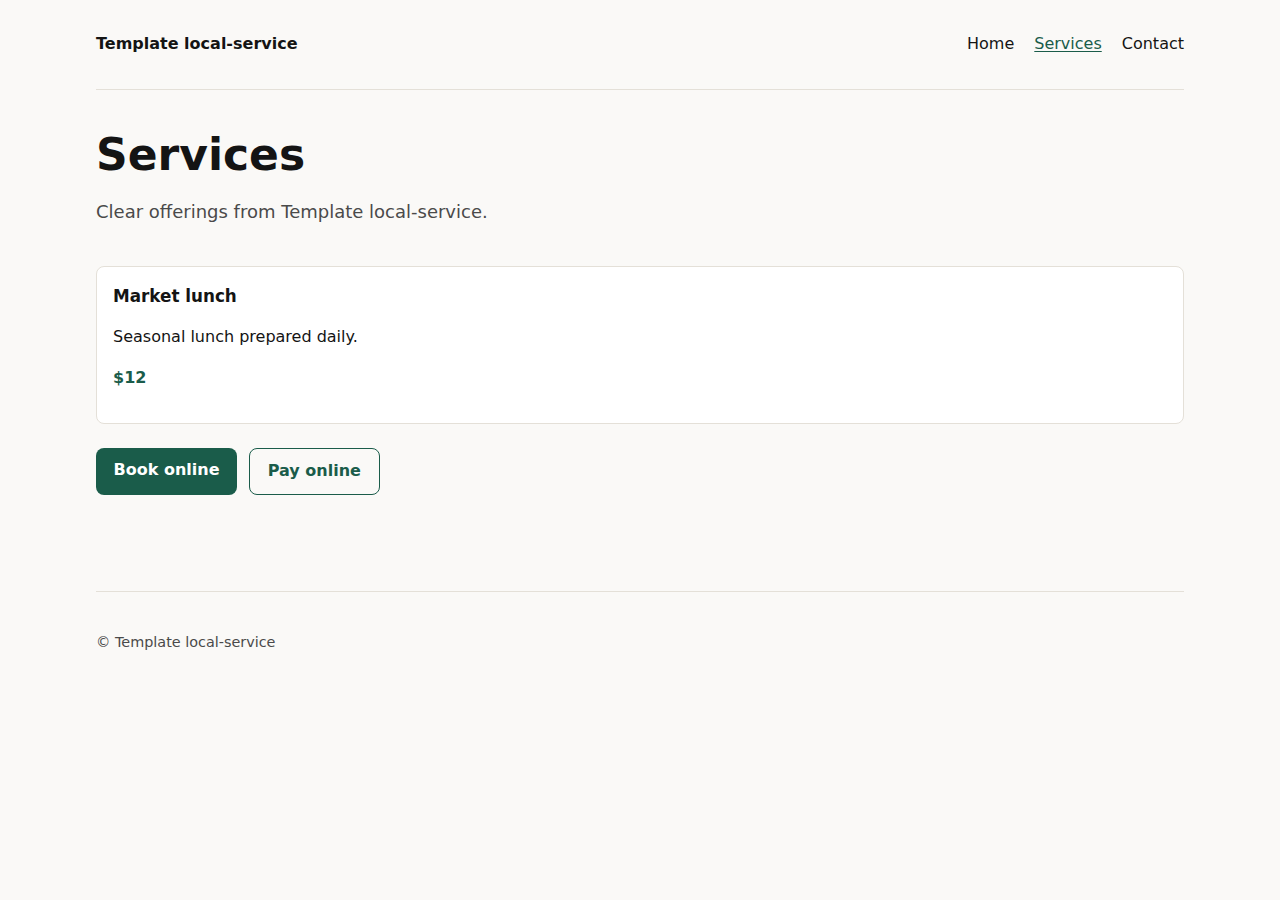
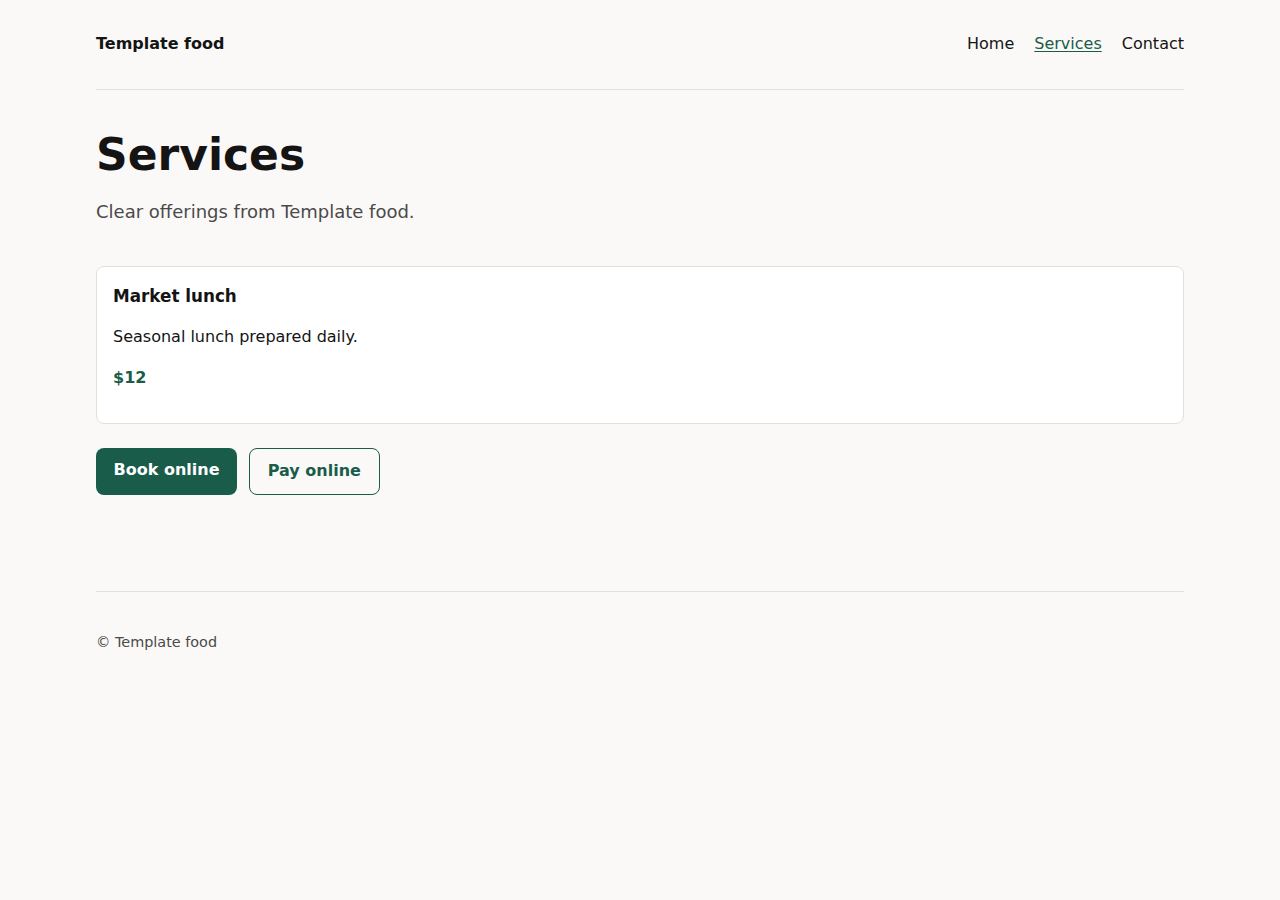
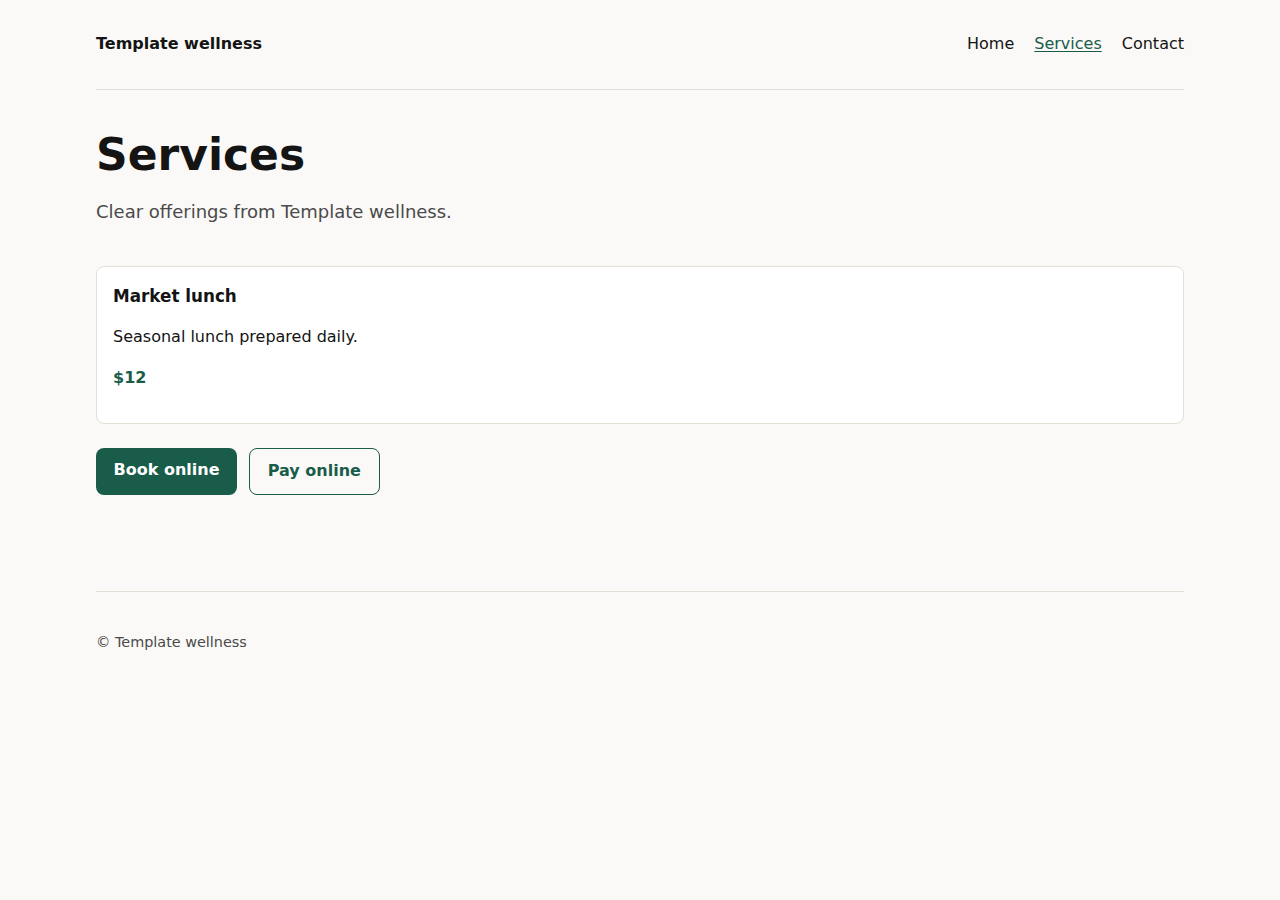
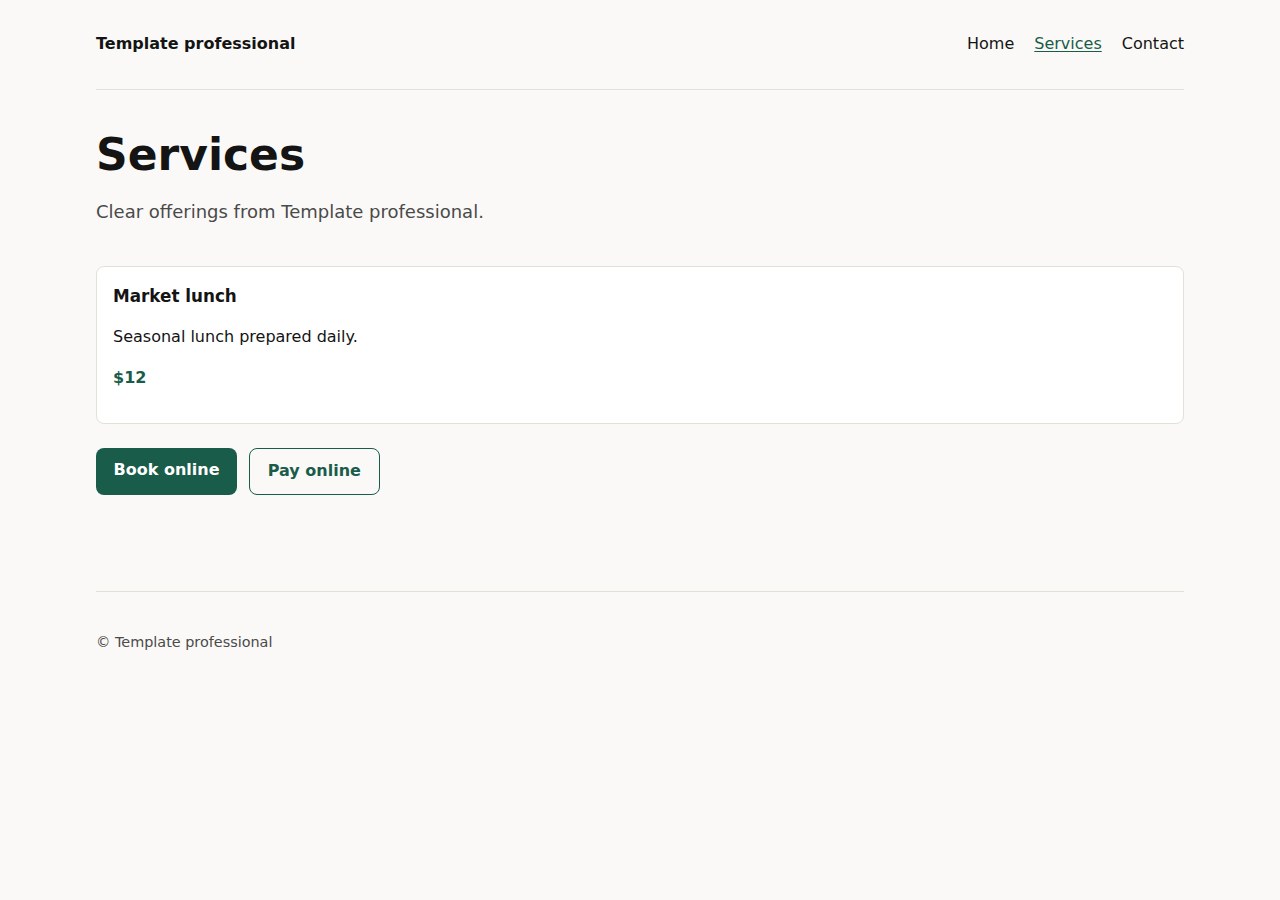
Example sites made with yaya. Names and content are samples.
Build your website with AI
Your website created with AI in 3 steps
No code, no hassle — describe your business and Yaya drafts a custom website you review before it publishes.
Step 1
Describe your business
Share a few sentences about what you do so Yaya drafts pages, copy, and contact around it.

Step 2
Review your AI-built draft
Yaya generates a draft with pages and copy, ready for your review.

Step 3
Edit your site, then publish
Tune the banner, sections, and pages — or describe the change in chat — and publish when the desktop and mobile previews look right.

Website builder comparison
Us vs. them
What you get with yaya versus wix, squarespace, godaddy & similar.
| Capability | Yaya | Wix, Squarespace, GoDaddy & similar |
|---|---|---|
| Site draft from a short description | Yes | Varies by builder |
| You approve every draft before publish | Yes | Varies |
| Edit pages, sections, and copy without code | Yes | Yes on Wix & Squarespace |
| Desktop and mobile preview before publish | Yes | Yes on most builders |
| Hosting and a site address included | Yes | Yes on Wix, GoDaddy & similar |
| Connect a domain | Free on every plan | Often a paid add-on on Wix or Squarespace |
| Keeps working after publish — updates and follow-ups | Yes | Manual on typical builders |
FAQs
Can't find the answer here? Contact support