Editor or workspace
The site editor changes what visitors see. The workspace runs the business around it.
Last updated
The two surfaces
The site editor is where you change the website. You land in it when you sign in, and you can return with Edit website on the Website dashboard. It edits a draft, and visitors see nothing until you publish.
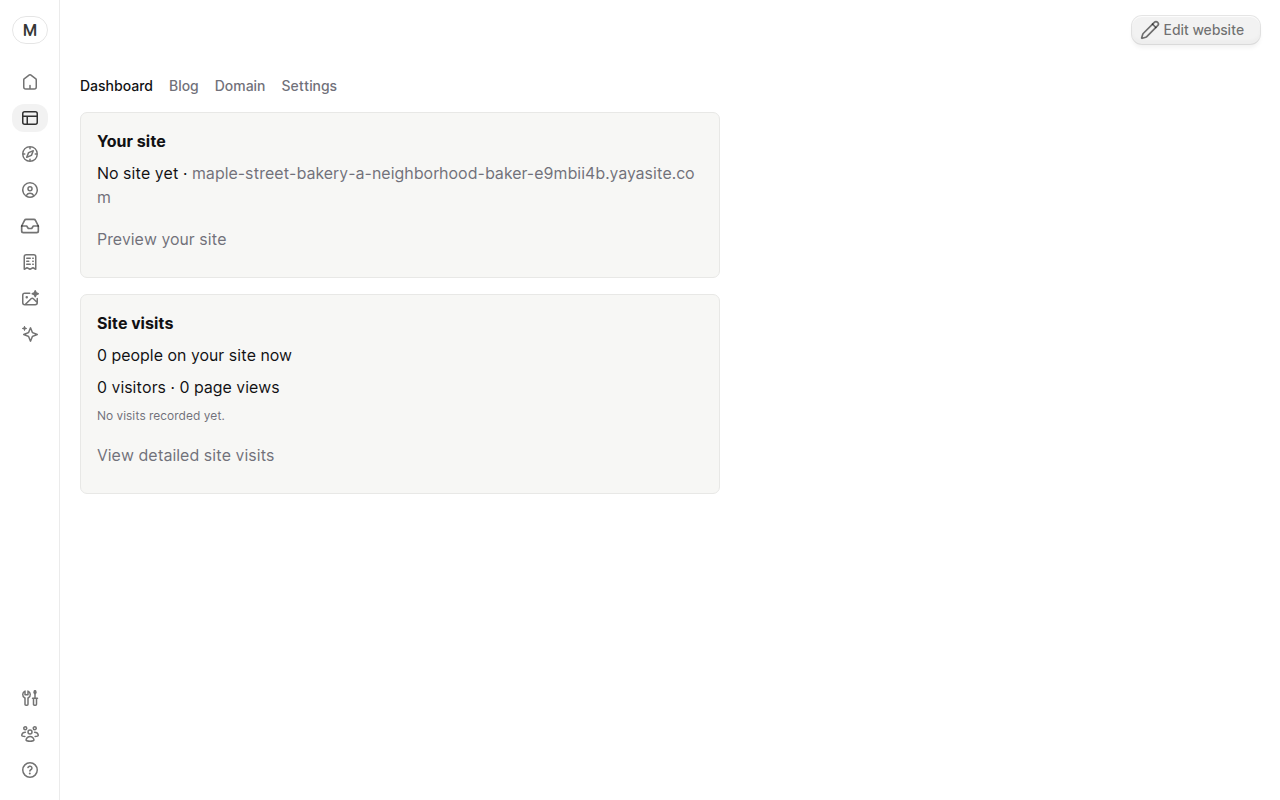
The workspace is everything else: Home, the Website dashboard, Customers, Inbox, Invoices, Studio, AI Partner, Referrals and Settings. It runs the business and does not change your pages.
What is in the editor
The top bar has a Preview toggle, a device switch, undo and redo, and Publish. After the first publish the button reads Publish updates. The Home button, or Workspace home in the overflow menu, takes you back to the workspace.
The overflow menu holds:
- Add section and Pages.
- Customize for site-wide look and feel.
- Edit with AI, which stages edits for you to save or discard.
- Edit headline and History.
- Change your site address, View live site and Take site offline.
Which one to use
Use the editor to change wording, sections, pages, images on the site, or to publish. Use the workspace to answer a customer, send an invoice, connect a domain, manage the team or read traffic.
Edit with AI and AI Partner are different. Edit with AI changes your site draft from inside the editor. AI Partner is a chat in the workspace for broader work, like a blog post or a reply to a lead.
Related
Was this guide helpful?
Still stuck? Email support@yaya.page.